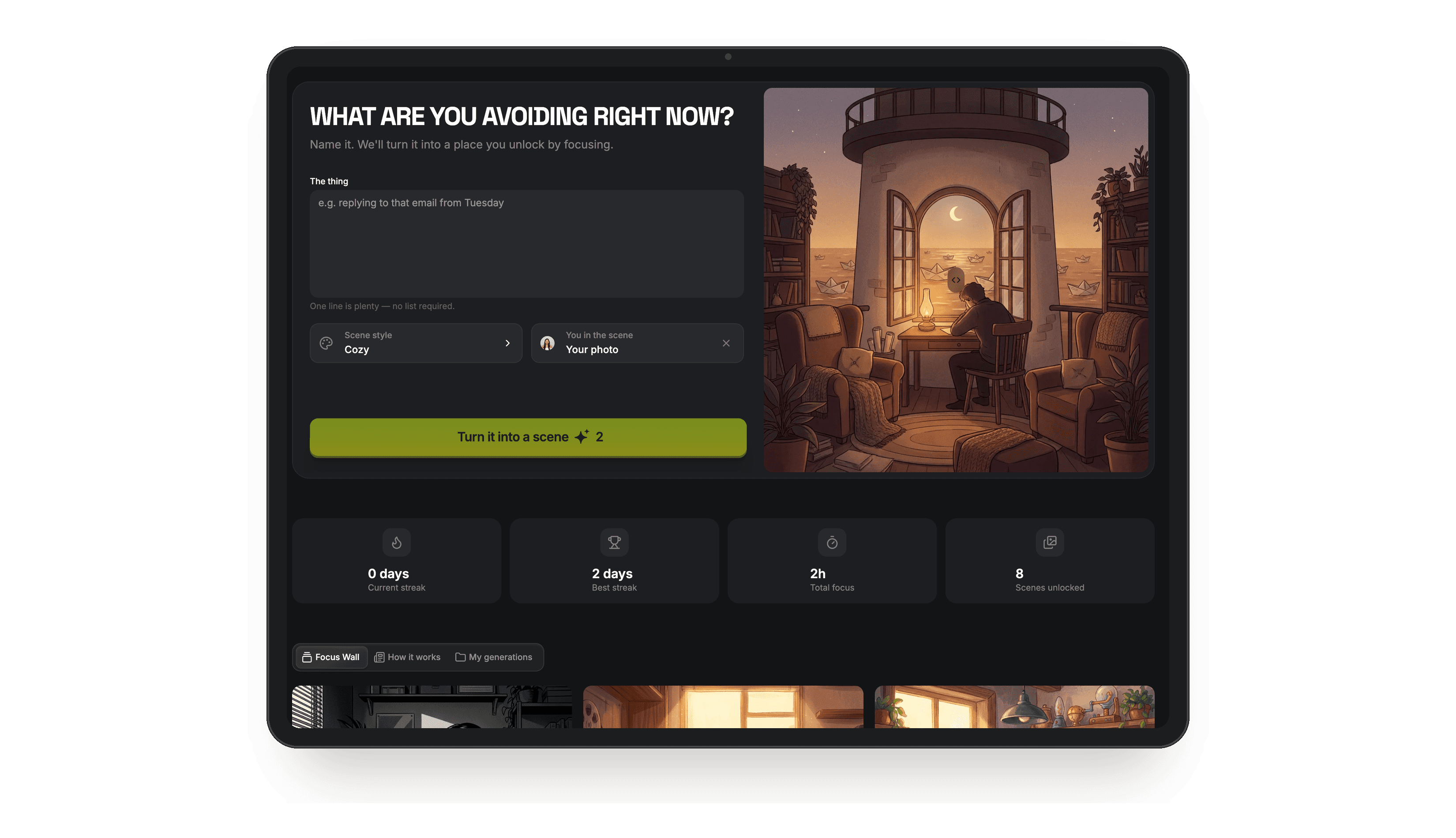

My prompt folder is 2.1 GB. 147 screenshots saved off my camera roll, and I've reused maybe four of them.
A prompt library isn't a list. It's a button. So I stopped saving mine and turned 24 of them into an app instead. Someone uploads a photo, taps once, gets something back ~ and never sees a prompt.
This is the long version of the carousel below. Every step, both prompts, and the thing I changed halfway through.
Disclosure: the Higgsfield link in this guide is my creator referral link. Signing up through it supports my work at no cost to you.
01 ~ Two minutes
Open the builder first
Do this before anything else, because the rest of the guide assumes you're inside Apps with Claude connected.
- Open Higgsfield Apps through this link. It drops you straight onto the builder page.
- Connect Higgsfield as an MCP server inside Claude. Step 02 below shows the exact screens.
- Keep both windows open side by side. You'll be moving between them the whole time.
02 ~ The cable
Connect Higgsfield to Claude over MCP
MCP is what turns Claude from something that describes an app into something that builds one. Once connected, Claude can reach Higgsfield's tools directly ~ generating images, writing into the project, deploying. You do this once and it stays connected.
- In Claude, click your name at the bottom of the sidebar, then Settings. It's ⌘, if you'd rather skip the click.
- In the left rail under Customize, open Connectors → Add custom connector.
- Paste the MCP server URL:
https://mcp.higgsfield.ai/mcp - Authorise. HiggsField shows up in the list with a Disconnect button and 39 interactive tools ~ that's how you know it's live.
How to check it worked. Start a new chat and ask Claude "what Higgsfield tools do you have?" If it lists image generation, app creation and deploy tools, you're connected. If it lists nothing, the connector didn't authorise ~ remove it and add it again.
03 ~ The model
What we're building
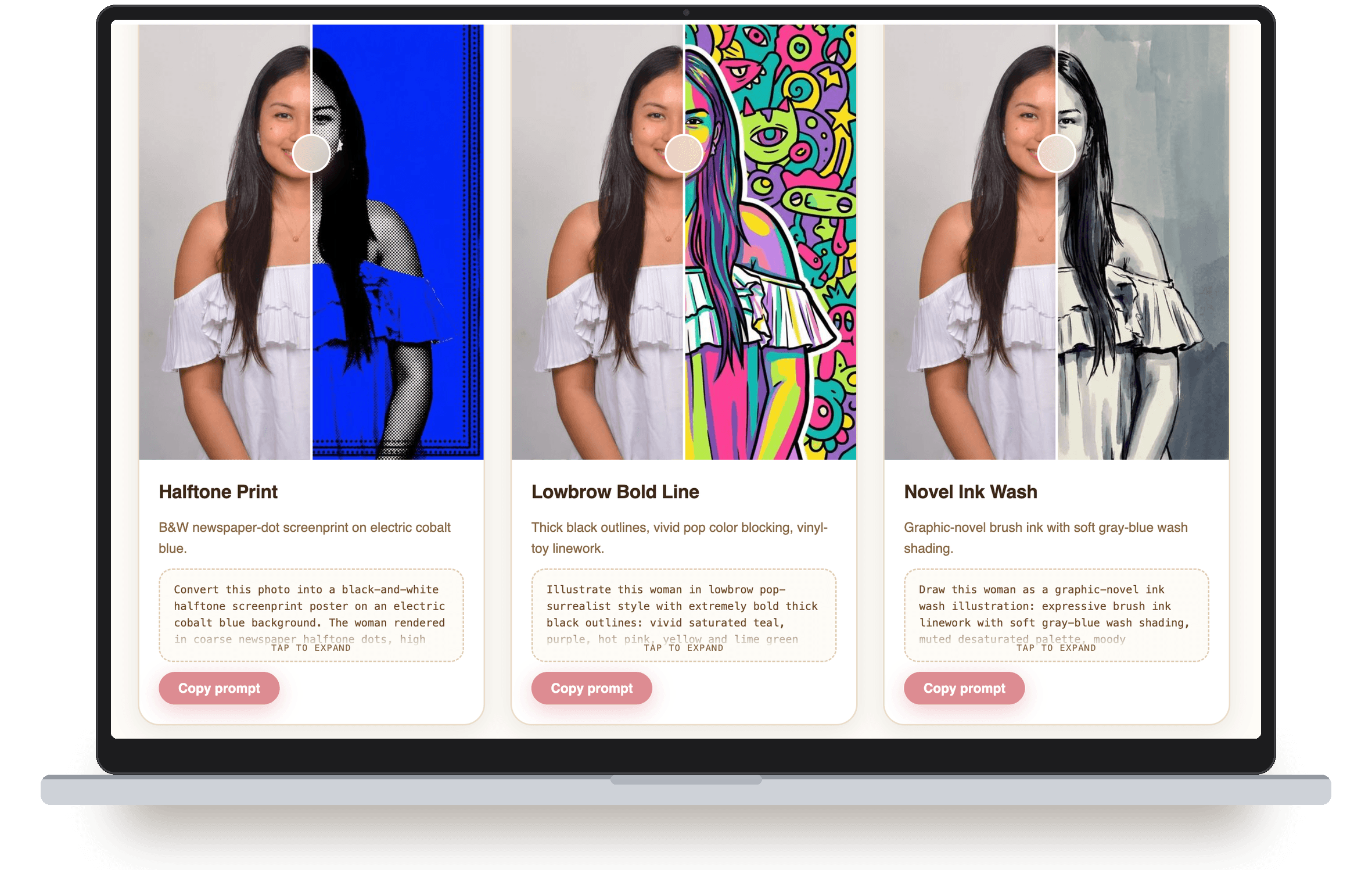
Filtr takes one portrait and runs it through 24 one-tap filters. No prompt writing for the person using it. Upload, tap, get a 9:16 edit back. Use it as your model, then swap the idea for your own.
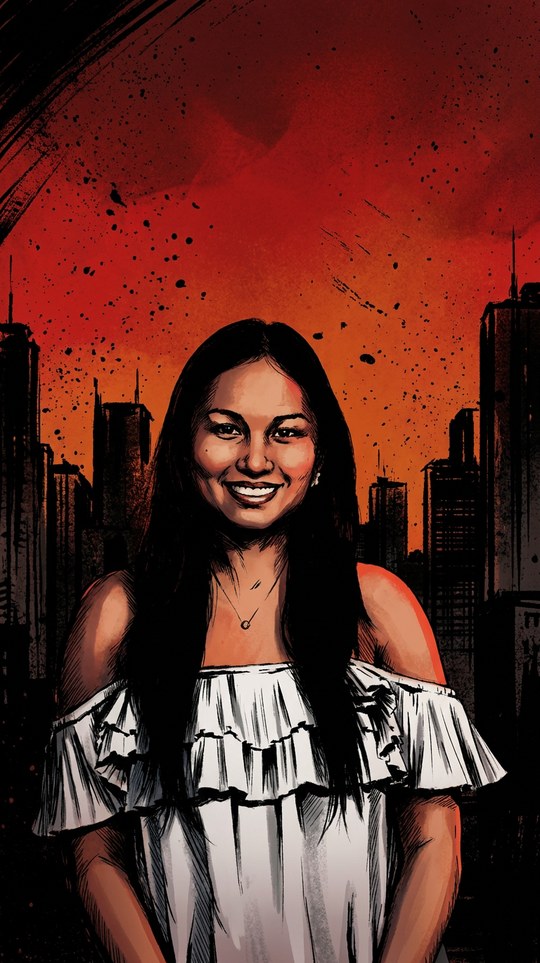 9:16
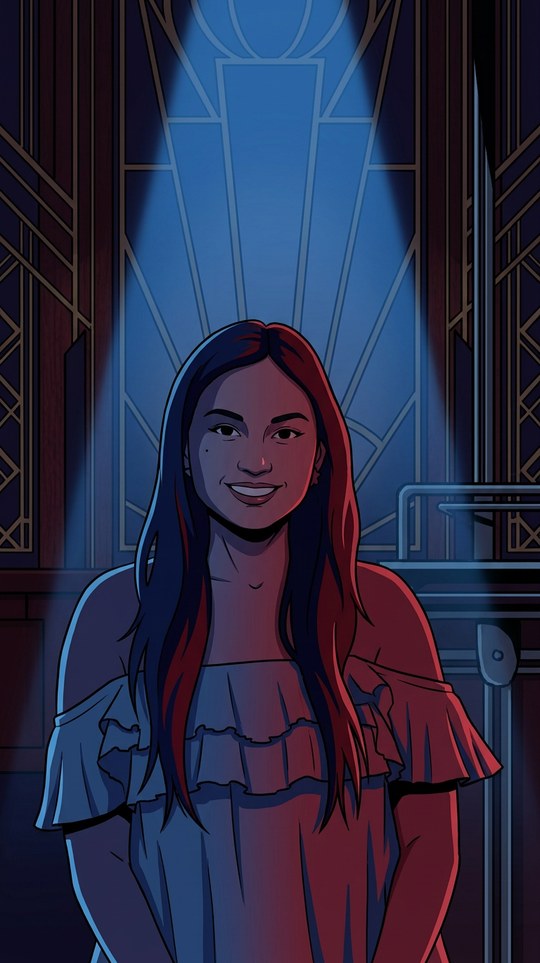
9:16Neo-Noir Comic
12 of the 24 · every cover generated inside the app
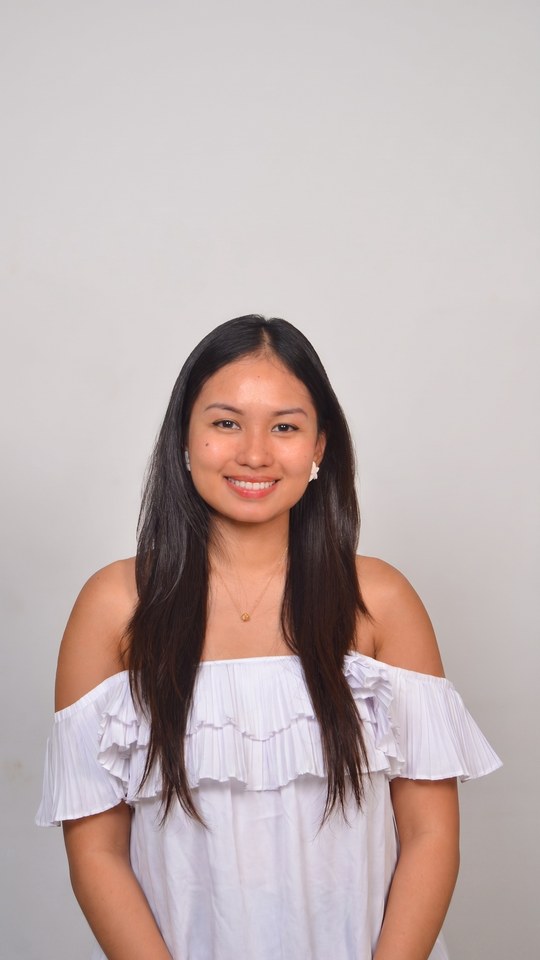
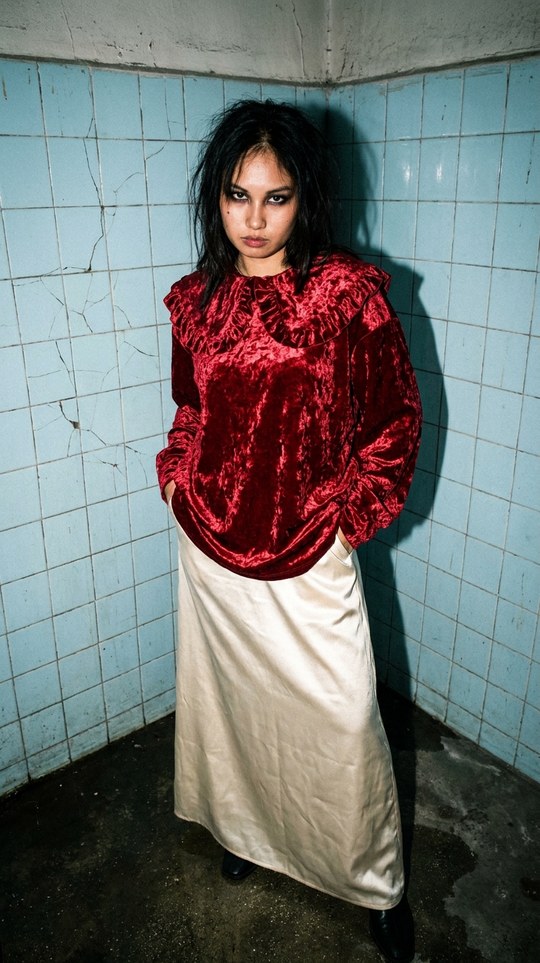
Real outputs from the app. One photo, untouched, then run through two filters:
04 ~ The brief
Describe the app in one sentence
Not a feature list. One sentence that says what it does and what comes out the other end. Mine was 96 characters and it produced the first working version.
build a photo app with 24 one-tap filters that outputs 9:16, no prompt writing for the userSteal the shape, change the nouns. "Build a [thing] with [the one interaction] that outputs [the result], no [friction] for the user." The last clause is the important one. It tells the builder who is doing the work, and the answer should never be your user.
05 ~ The loop
Let Claude plan it, let Higgsfield build it
This is the part people skip. With MCP connected, Claude does not just hand you code in a chat. It writes into the actual project while Higgsfield compiles, generates the assets, and deploys a preview.
› plan: 3 screens · upload → filter grid → result
› writing filter-grid.tsx (24 tiles)
› wiring the generate call
› handing the build to Higgsfield
› project created
› generating 24 filter covers
› compiling · 0 errors
› preview live
Ask for the plan before the build. "Plan this first, list the screens and the generation step, then build it." You catch a wrong assumption in ten seconds instead of after a full build.
06 ~ Iteration
Change things while it's running
The live preview is the whole point. Say what you want moved in plain language and watch it move. No rebuild, no deploy step, no waiting.
What I actually changed on Filtr. The filter grid started below a hero block. Nobody scrolls. I moved it above the fold, made the covers bigger, and cut the intro copy to one line.
07 ~ The difference
Make it generate, not just display
A landing page shows things. An app makes things. Higgsfield's image models are native to the builder, so your app can call them directly. This is the difference between a website and a product.
when someone taps a filter, send their uploaded photo plus that filter's prompt to the image model and show the result in a 9:16 frame. keep a history of their generations.uploadno prompt writing for the user
Hide the prompt from your user. Each of my 24 buttons stores a long prompt behind it. The person tapping never sees it. That is what makes it an app instead of a prompt list.
08 ~ Shipping
Publish it and send the link
One click and it is on a real URL. This is the moment it stops being your project and starts being something other people use. Mine went to friends before it went anywhere near a post.
Publishing is also what makes an app eligible for anything else ~ Higgsfield runs contests on the apps people actually use, and the Apps page is where the current one shows up. An unpublished app can't win anything, and nobody can use it either.
09 ~ Steal these
If you need an idea
The best ones come from a thing you already do badly by hand, repeatedly. Mine was filters. Here are five that follow the same shape.
Thumbnail maker · paste a title, get five thumbnail options in your channel's style
Digital wardrobe · upload your clothes, get them styled into outfits
Headshot booth · one selfie in, a set of usable professional headshots out
Storyboard tool · type a scene, get the shot list rendered as frames
Kids' story maker · a photo and a theme, and the child is the hero of the book
10 ~ Stuck? Built it?
Come show us
I run Claude Maxxing, a community for people building exactly this. Post your app when it's live, get help when it breaks, and see what everyone else shipped this week.
- ✓Ask for help when the build gets stuck
- ✓Post your published app and get real feedback
- ✓Swap prompts and setups with other builders

Love,
Abie