
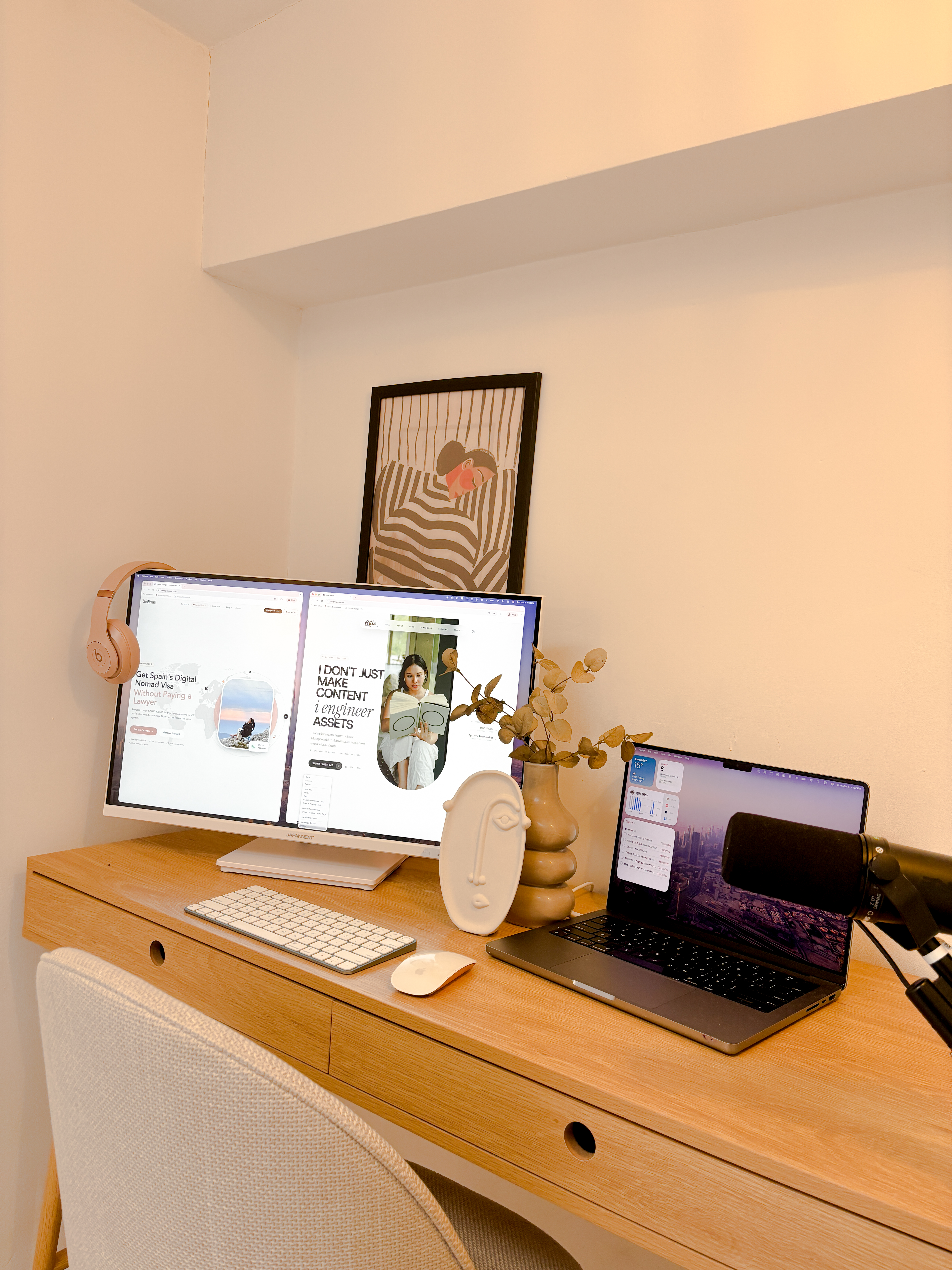
Before I ever opened Claude Code, I spent years writing production systems, leading engineering teams, and architecting products from scratch. That matters. Because AI doesn't replace thinking ~ it multiplies whatever you already bring to the table.
Claude Code lives in my terminal. I describe what I need, it reads my codebase, builds features, runs type checks, and pushes to GitHub. But here's what most people skip: without the right setup, without understanding how software actually works, you get exactly what you'd expect ~ generic, obvious, vibe-coded output that falls apart the moment you push it live.
The engineering background isn't a nice-to-have. It's the difference between building a real product and generating a demo that looks good in a screenshot.
The Setup ~ CLAUDE.md is your operating system
Every Claude Code session starts by reading a file called CLAUDE.md. Think of it as your AI's onboarding doc ~ who you are, how you work, what you've built, what you hate. Mine tells Claude my tech stack, my writing rules, my priorities, and my design system. It knows what I care about and what I don't.
This is where my engineering background pays off. I know how to write specs that a machine can execute. I know what “done” looks like before I start. Most people open Claude Code and type “make me a website” ~ and they get exactly what you'd expect: generic, obvious, forgettable output. The CLAUDE.md is what separates a real product from vibe-coded slop.
If you don't have an engineering background, that's okay. Learn the basics ~ understand how components work, how data flows, what a good file structure looks like. Or pair with an engineer who does. The investment in learning the fundamentals is what makes AI tools actually useful instead of just impressive-looking.
# CLAUDE.md ~ Abie Maxey
## Who I am
I'm Abie (Joenabie Gamao) ~ a Filipina content
creator and engineer based in Madrid, Spain.
I build products from my laptop.
## How Claude should work with me
- You are my Executive Assistant (EA)
- Be direct, warm, and concise
- Match my energy ~ casual but professional
- Keep responses short
Get started
Want to set up your own CLAUDE.md? Start the freeMaster Claude playbook~ Phase 1 walks you through it step by step.
The Daily Workflow ~ what a typical day looks like
My morning starts with coffee and Claude Code. I open the terminal, type what I need, and Claude reads my CLAUDE.md, checks the codebase, and starts building. No Figma mockups. No Jira tickets. No standup meetings. Just: “build me a budget tracker with Wise integration” and watching it happen.
The cycle is simple: describe what you want, Claude builds it, review the preview, tweak, commit, push. Most features ship in a single session. The budget tracker ~ expenses, debt crusher, Wise API, calendar view ~ was one conversation.
$claude
What would you like to build?
>build me a budget tracker with wise integration
Reading CLAUDE.md... Found project context.
Creating /admin/budget/page.tsx...
Adding Wise API route...
Connecting to Wise ~ EUR: €320.60, PHP: ₱100
47 transactions imported.
TypeScript clean. Ready to preview.
“Describe what you want. Watch it build. Push to production. That's the entire workflow.”
What I Built ~ with Claude Code
Here's everything Claude Code helped me build in the last month. Not prototypes ~ production features that real people use.
Budget Tracker
Wise API, debt crusher, tax breakdown, calendar view
Admin onlyProposal System
E-signatures, pipeline, branded pages
Admin onlyNewsletter System
Branded emails, subscriber management, campaigns
Admin onlyMonthly Budget
2,890.00
Expenses
2,243.09
Surplus
+646.91
keep it lean ~ 2,243 of 2,890 budget used
Budget Tracker ~ Wise Integration
The Playbook ~ teaching what I know
I turned my Claude Code workflow into a playbook. Not a course ~ a playbook. 15 lessons across 5 phases, from your first prompt to deploying production agents. Phases 1 and 2 are completely free. No email gate, no credit card.
The playbook includes three interactive tools I built specifically for it: a CLAUDE.md Memory Generator, an API Cost Estimator, and an Agent Stack Planner. All built with Claude Code, teaching you how to use Claude Code. Meta.
Free Playbook
Master Claude ~ from first prompt to production agent.
15 lessons. 5 phases. 3 interactive tools. Phases 1 & 2 are free.
Start the PlaybookWhat I Can't Do ~ with Claude Code (yet)
It's not magic. Context windows fill up on long sessions ~ I've had Claude forget what we built 2 hours ago. Design decisions still need a human eye. And when you need pixel-perfect animations or complex state management, you're better off writing it yourself.
The cost: Claude Max 5X is $100/month. For what it replaces ~ easily $2,000+/month of dev work ~ that's the best investment I make every month.
The Numbers
4+
Tools Replaced
Qwilr, VA, Calendly Pro, dev
$7K+
Saved /year
conservative estimate
15~20
Hours /week
of manual dev work
$100
Cost
/month for Claude Max
I'm not selling you on AI. I'm telling you what actually works after years of building production software, leading teams, and now running my own products from a laptop in Madrid. The engineering instinct ~ knowing what to build, how to structure it, when to push back on bad output ~ that's what makes the difference.
If you're starting from zero, invest in the basics first. Learn how components work. Understand data flow. Get comfortable reading code even if you don't write it every day. Or pair with someone who's been building for years ~ someone who can set up your CLAUDE.md, architect the system, and let AI handle the repetitive parts while the human handles the decisions.
The formula is not “just use AI.” The formula is: fundamentals + engineering instinct + AI speed. That's when things actually ship.
If you need that engineer to pair with
I take on a few projects each month. Usually it's founders or creators who have the idea but need someone who can set up the system, architect the CLAUDE.md, build the first version, and hand it off so they can keep shipping on their own. Think of it as a sprint ~ we build, we ship, you own it.
Not an agency. Not a retainer. Just an engineer who builds fast and teaches you how to maintain it.
See how we could work together“The best tool is the oneyou build yourself.”
Share this post