

01 ~ Before you start
What you need
An assistant on your laptop stops when you close the lid. On a server it keeps working all night. That is the whole idea.
Bluehost AI Agent Hosting
A server for your agent. Hermes Agent comes as a ready image, so there is nothing to install.
OpenRouter
A free account and an API key. I started with a free model.
Telegram
On your phone. This is where your assistant texts you.
Time
About 20 minutes, most of it waiting.
I run mine on Bluehost AI Agent Hosting.
02 ~ Step 1
Put Hermes on your server
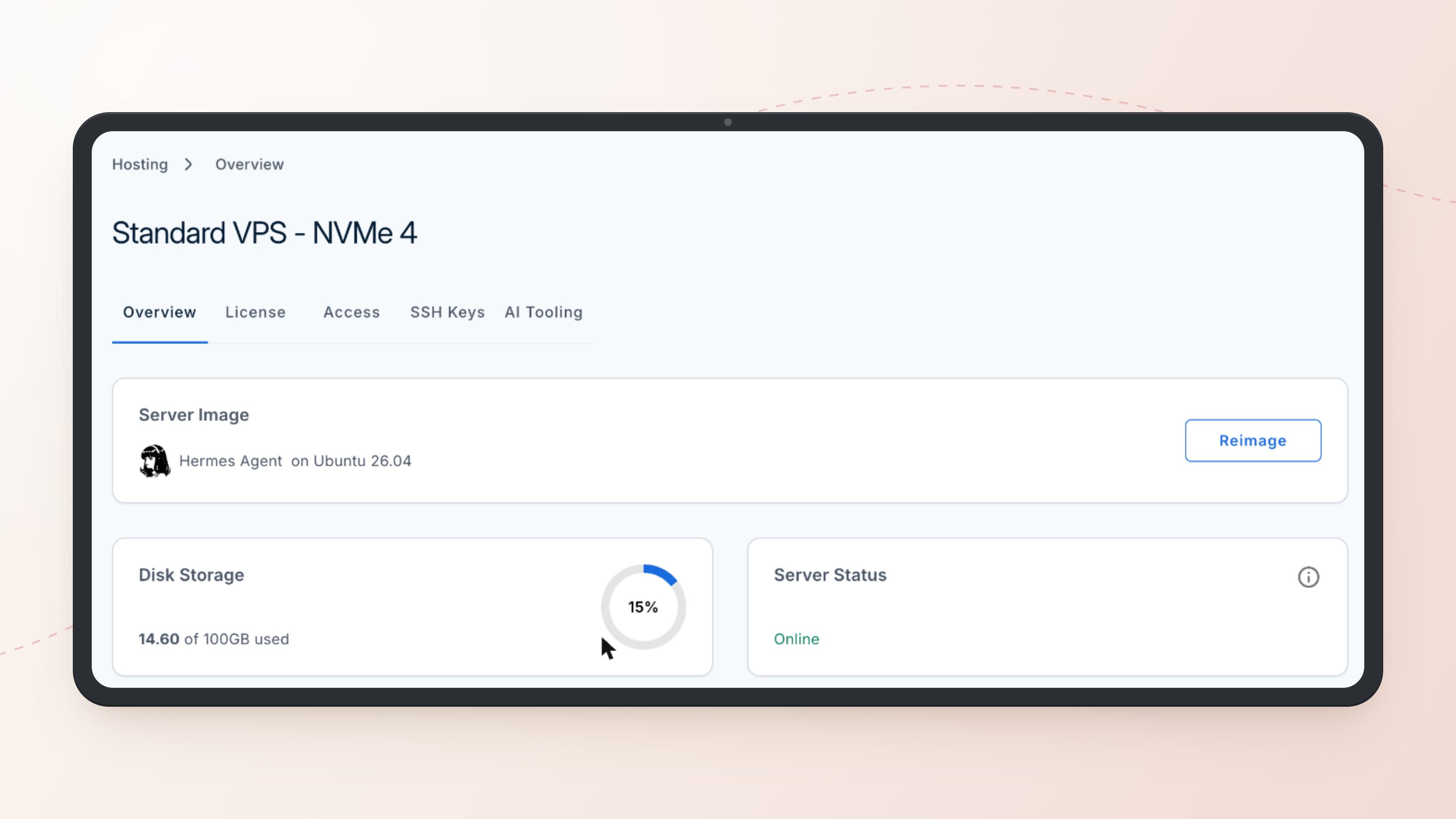
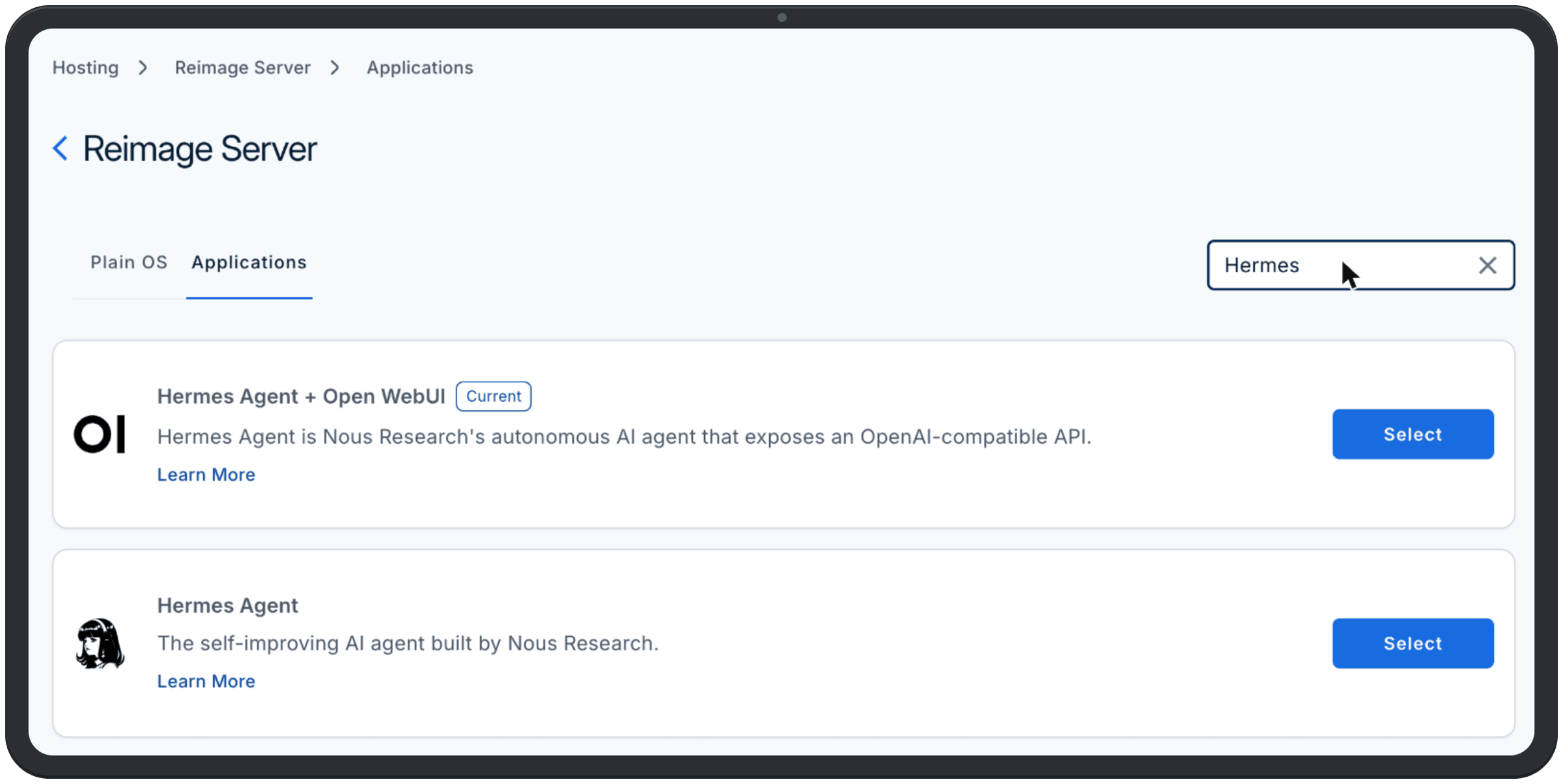
In your Bluehost portal go to Hosting, then My Plans, and open your plan. Click Reimage, choose the Applications tab and search for Hermes. Pick Hermes Agent.
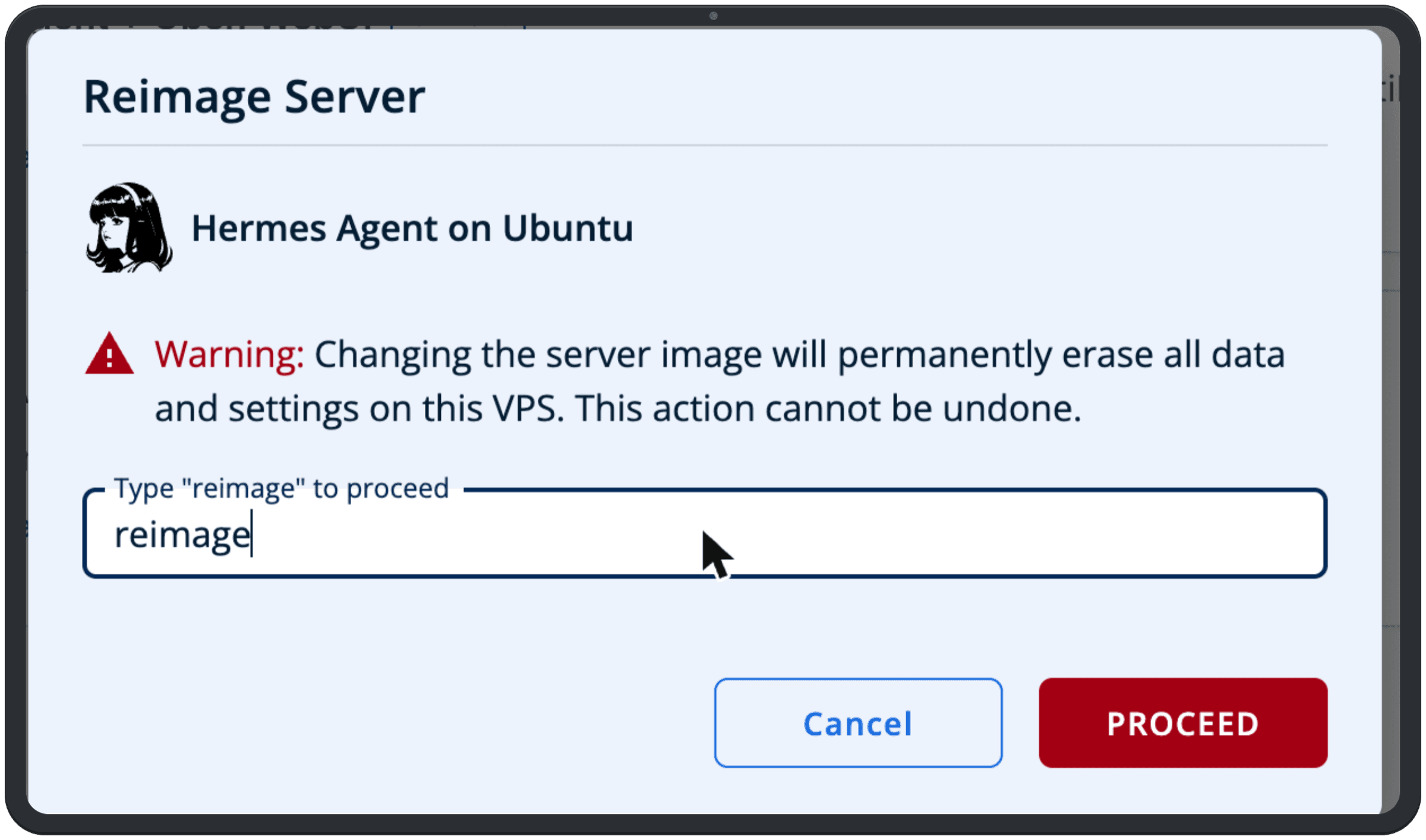
Type reimage and press Proceed. This wipes the server, which is fine on a new one. A few minutes later the overview says Hermes Agent.
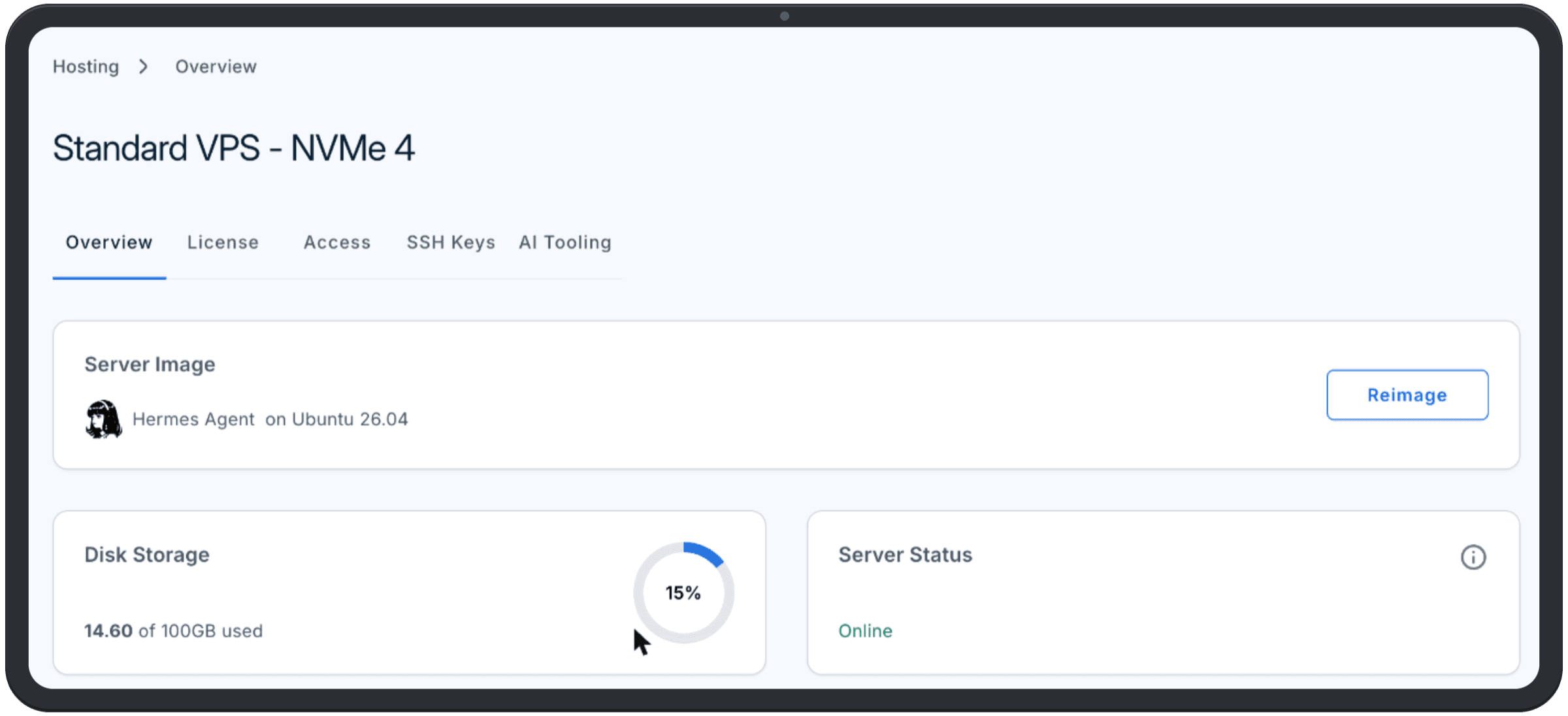
Then set a root password: Root Password, Reset Password. Save it somewhere safe, you need it for the terminal.
03 ~ Step 2
Update it
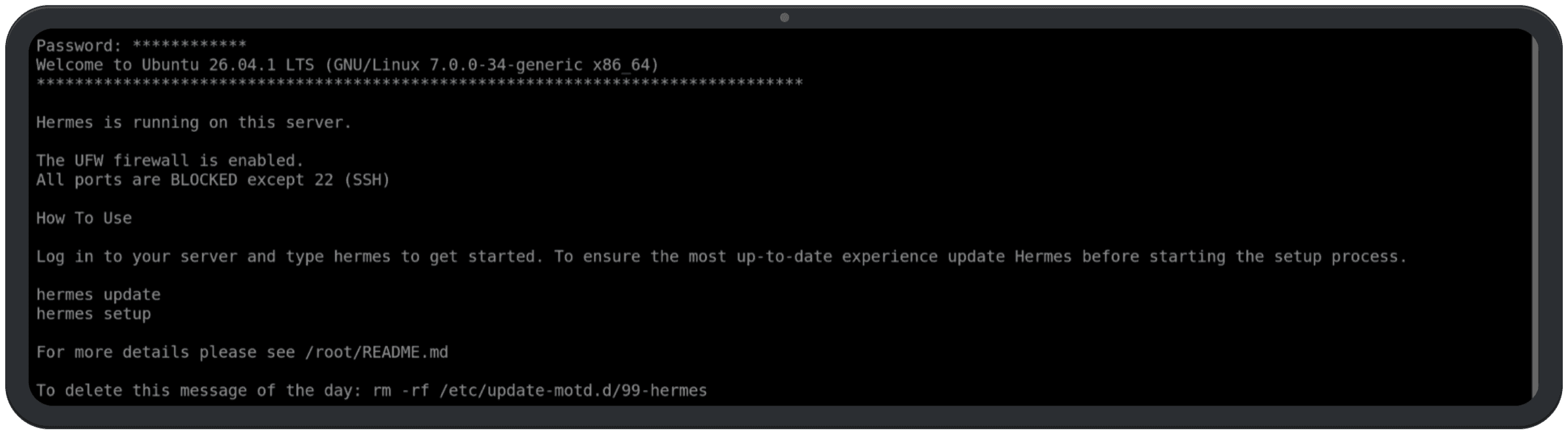
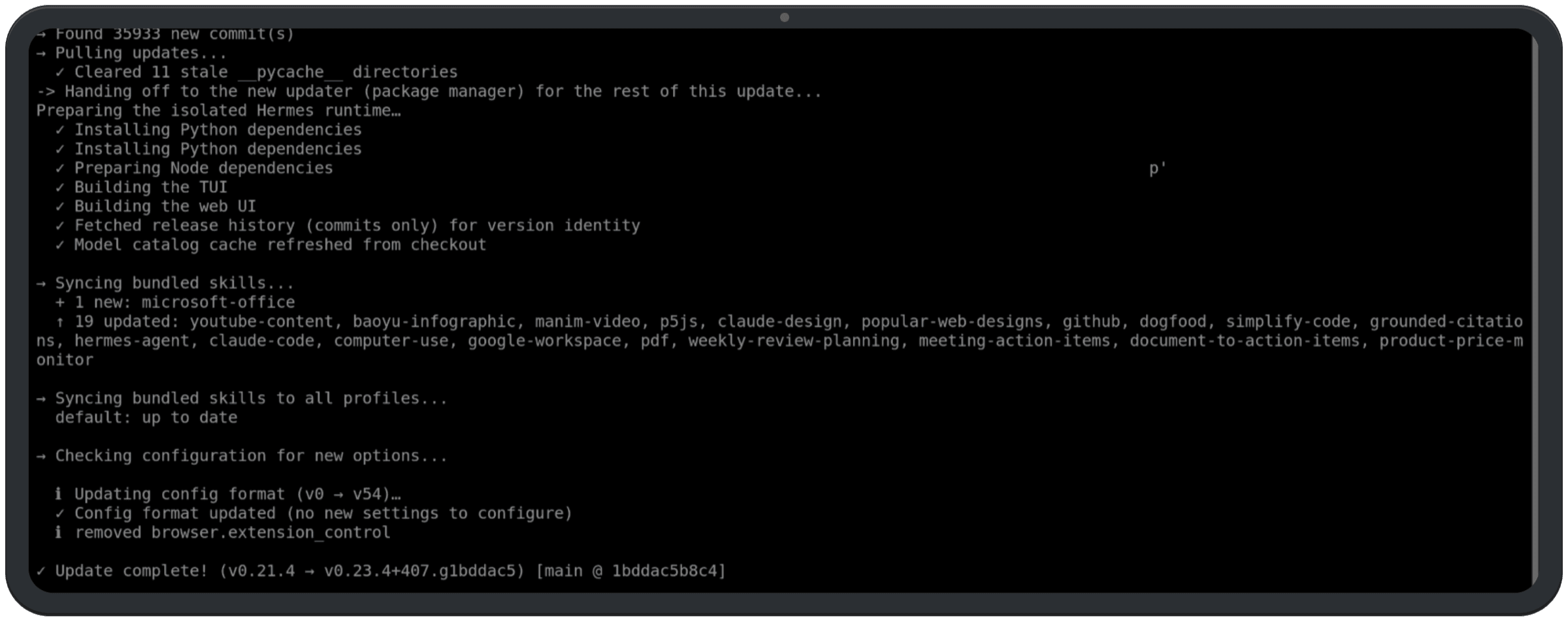
Click Open Terminal on the overview, log in with that password, and run:
04 ~ Step 3
Give it a brain
The brain is the AI model. Run the command, choose OpenRouter, and paste your key from openrouter.ai/keys. Then type a slash and the word free to see the free models, and pick one.
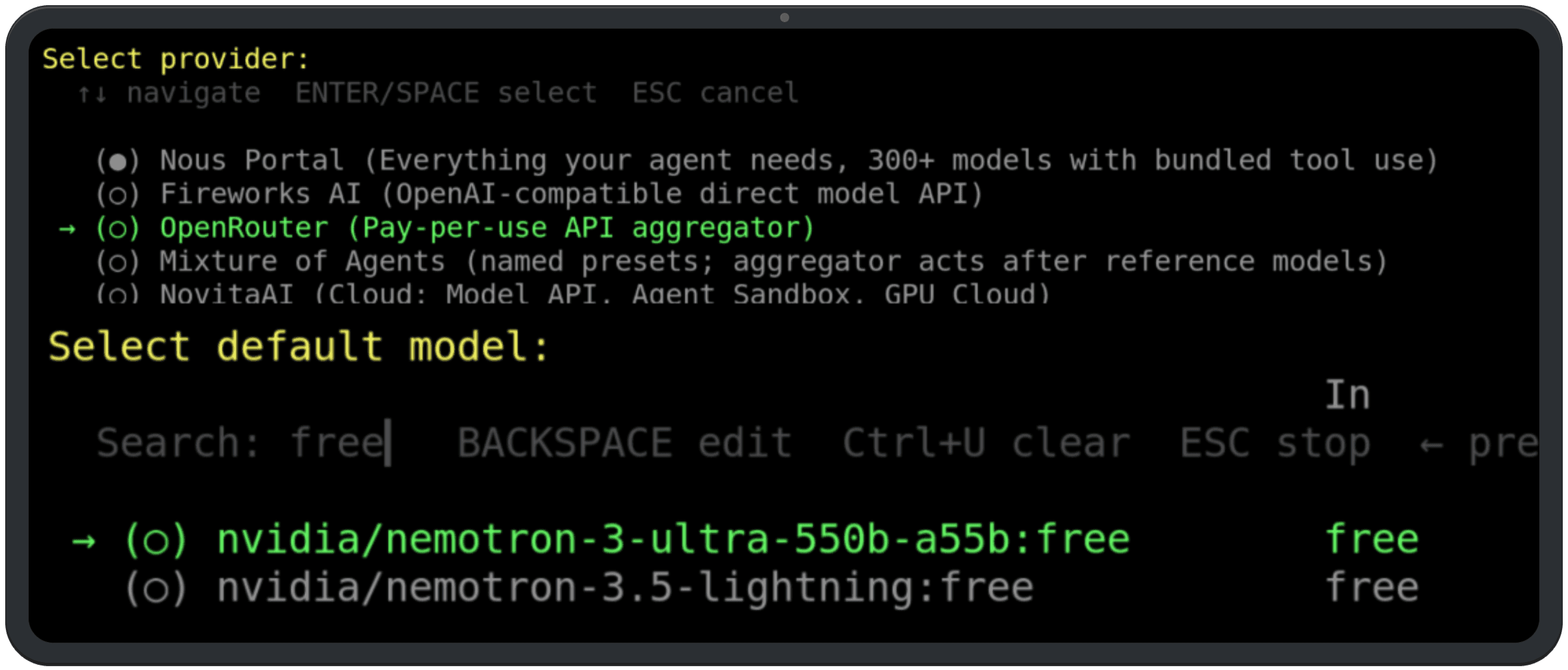
Free models have a daily request limit on OpenRouter, so check theirs before you give it a busy job. You can switch models any time with the same command.
05 ~ Step 4
Connect Telegram
Choose Telegram, then Automatic. It gives you a link: open it on your phone and tap Create Bot. If the timer runs out, run it again.
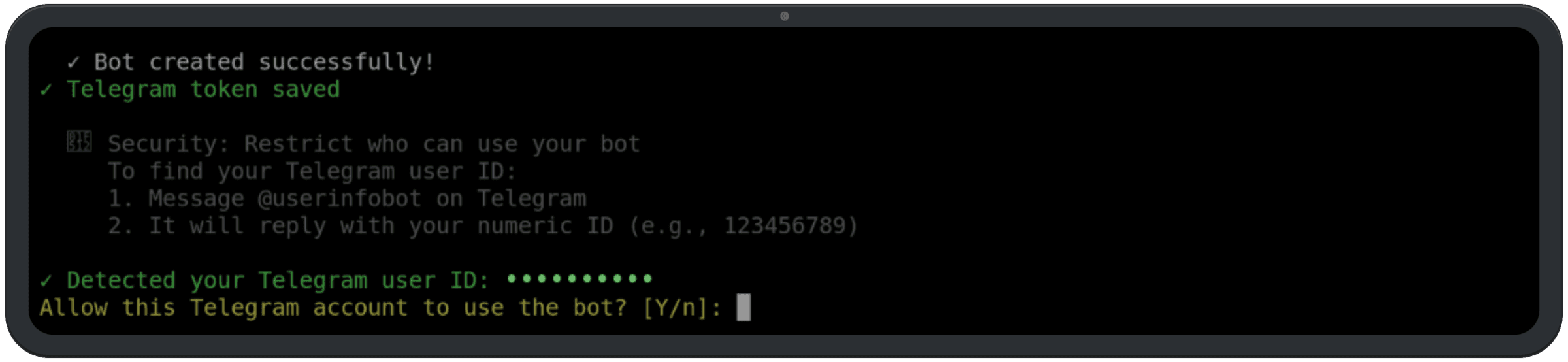
Allow this account?
Yes. Only you can talk to it.
Home channel?
Yes. Scheduled jobs text you here.
Run in background?
Yes, as a system service, so it starts on its own after a reboot.
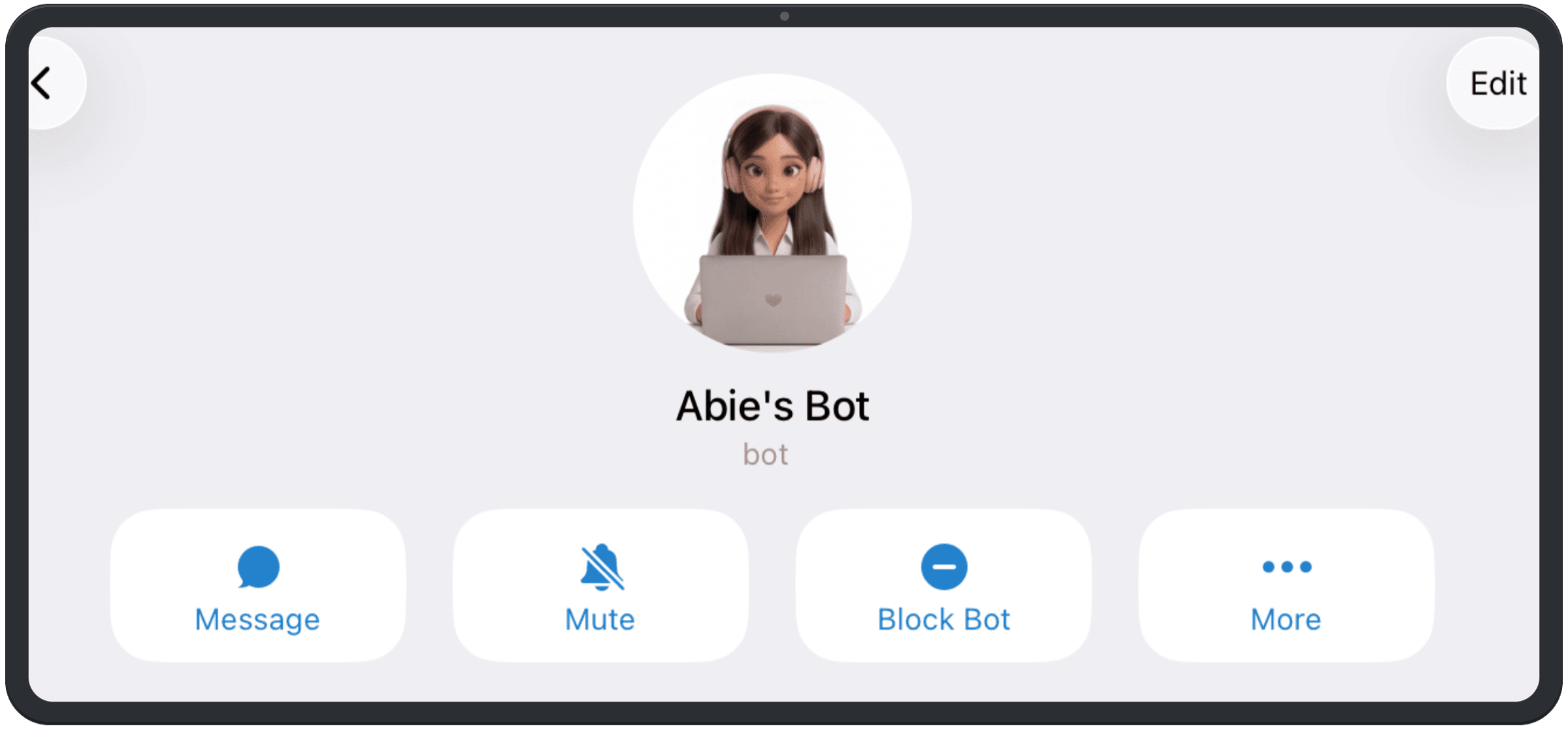
Rename it and give it a photo straight from Telegram. Mine wears my avatar.
06 ~ Step 5
Give it a job
Now text it the job, in plain words:
When a brand emails me, draft a reply in my voice and text me. Never send anything yourself.
For email, I don't connect my main inbox. I made a separate assistant inbox and forward brand emails to it with a filter. Then, in the server terminal, run hermes and ask it to set up the himalaya email skill for that inbox. Paste the inbox's app password there only.
It drafts, I send. That one rule is why I trust it.
07 ~ Copy this
The checklist
- Reimage the server to Hermes Agent, then reset the root password and save it
- Run hermes update before anything else
- hermes model: OpenRouter, your key, a free model
- hermes gateway setup: Telegram, only your account, your chat as the home channel
- Install the gateway as a system service, so it keeps running
- Give it one clear job, and tell it to draft, never send
- Connecting your main inbox ~ use a separate assistant inbox instead
- Pasting passwords or keys into Telegram ~ only in the server terminal
Everything above runs on Bluehost AI Agent Hosting.

Love,
Abie