
01 ~ The point
What you get
This is the guide from my Reel, the one where you comment DUO. Everything I promised is here: the three prompts, the live card and the Higgsfield offer.
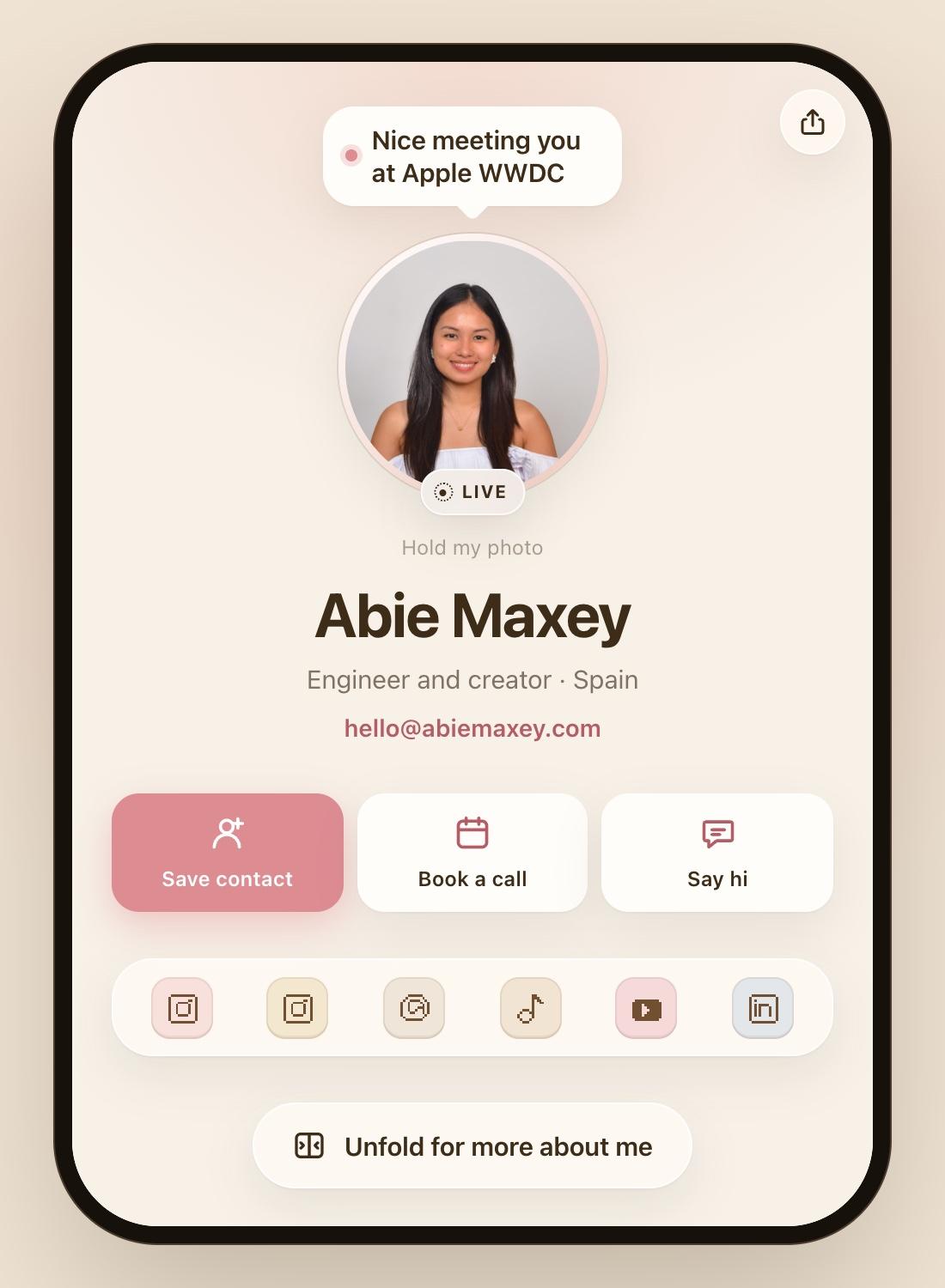
Folded, it is the card I hand over at a meetup. My photo, Save contact, Book a call, Say hi and my socials. The greeting on top changes with the link on each NFC tag.
A Live Photo
Hold my photo and the real me turns into the 3D me. Higgsfield made the clip.
Unfolded
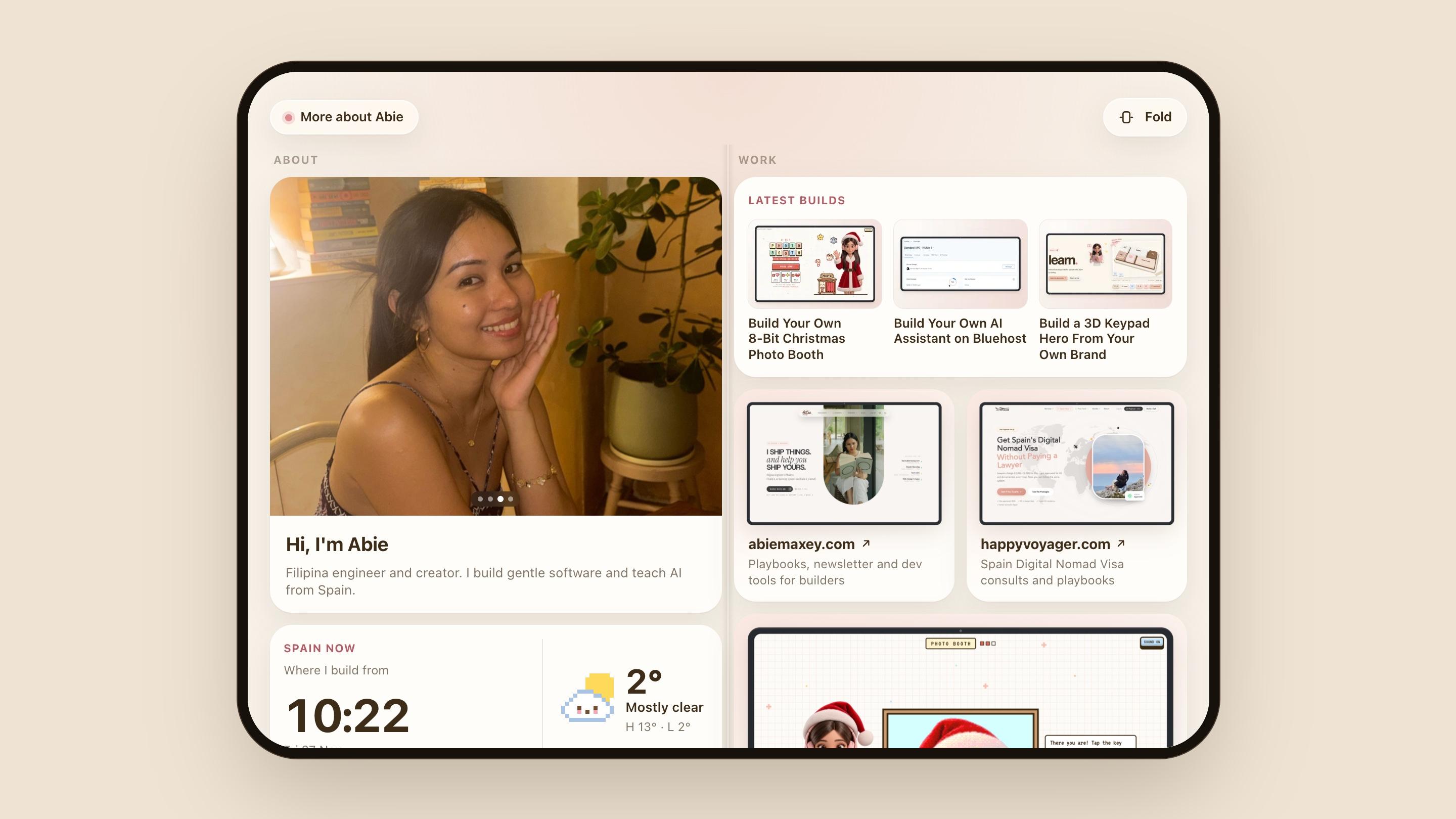
A home screen of widgets: who I am, what I ship, what I sell and how to reach me.
The crease
Open it and there is a hinge line down the middle. On a laptop the whole card sits inside a Duo frame.
One link
It is a web page. It goes in my Instagram bio and on an NFC tag, so people can tap my card at a meetup.
02 ~ Before you start
What you need
Claude
With the Higgsfield connector switched on. I built mine in Claude Code with Fable 5.2.
Higgsfield
It makes the Live Photo. Mine is one 5 second clip at 1080p, 60 credits.
A real photo
A clear portrait of you, face to the camera, on a plain background.
A 3D avatar
The 3D or cartoon you. No avatar yet? Ask Higgsfield to make one from your photo first.
No Higgsfield account yet? Start here.
Higgsfield · 70% off for Black FridayThen connect the two. It takes a minute:
- In Claude, open Settings, then Connectors.
- Add a custom connector and paste
https://mcp.higgsfield.ai/mcp - Authorise it with your Higgsfield account.
03 ~ Copy these
The three prompts
Three messages, in this order. Send one, look at what comes back, then send the next.
Connect the Higgsfield MCP so you can make images and videos for my link in bio. Check my credit balance first.Use the Higgsfield MCP. I attached my real photo and my 3D avatar. Make a 5 second Live Photo that starts on my real photo and morphs into my 3D avatar: same pose, same face, locked-off camera, no cuts. Square, 1080p, no audio. Quote the credits before you generate.Attach your real photo and your 3D avatar with this one. It asks for the credits first, so nothing is spent until you say yes.

Build my link in bio like an iPhone Duo with Apple-like components. Folded: my photo (press and hold plays the Live Photo), save contact, book a call, and my socials. Unfolded: more about me as widgets. It has to work on a phone first.Claude builds the fold, the Live Photo and the widgets from that one message. Swap in your own photo, links and socials.
04 ~ Your taste
Talk to it like your bestie
The first version is never the best. So I talk to it like my bestie. A little bit of this, a little bit of that, until it feels like me.
Three notes that changed mine. Send one at a time and look at the result before the next.
make the icons subtle, pixel stylemake the dock grow when I hoveradd little sounds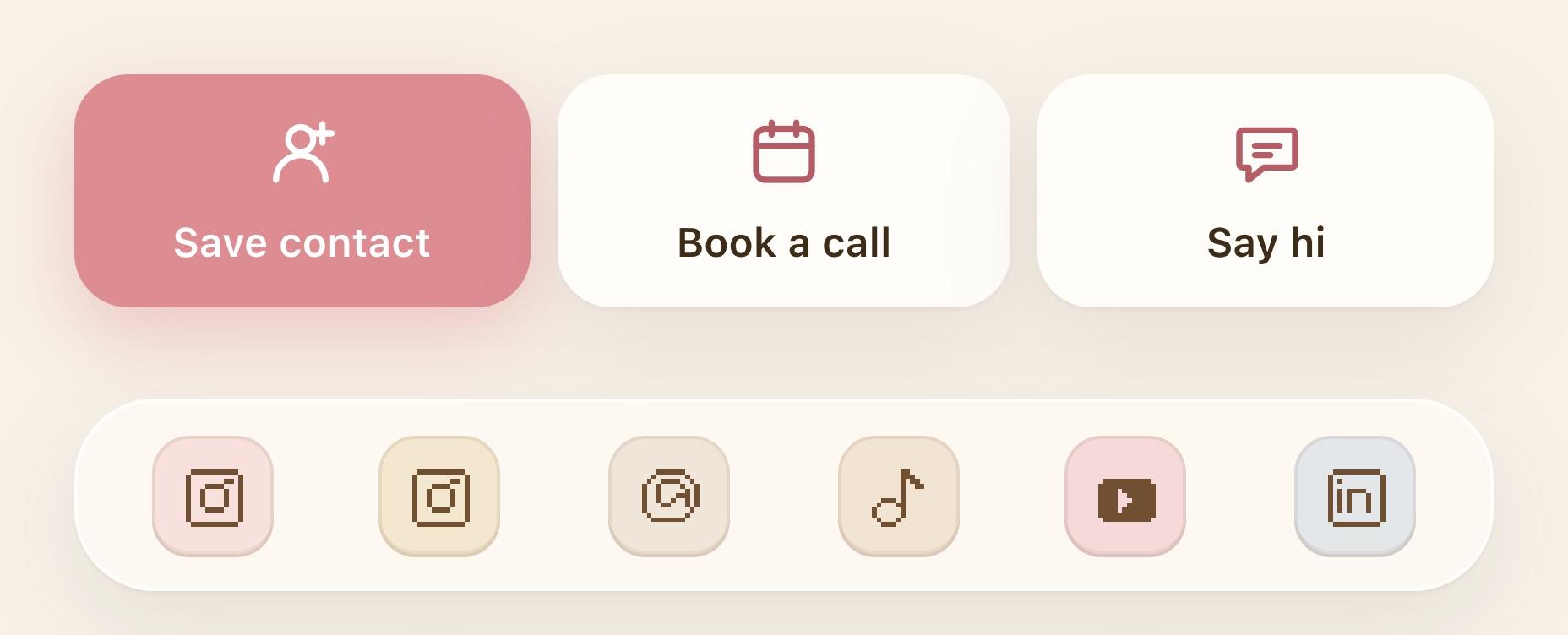
05 ~ Copy this
The checklist
- Connect Higgsfield to Claude before you paste anything
- Attach your real photo and your 3D avatar with the Live Photo prompt
- Read the credit quote before you say yes
- Build it for a phone first. That is where a link in bio gets opened
- Send your notes one at a time, like you would to a friend
- Put it live, then put the link in your bio and on an NFC tag
- A plain list of links ~ make it feel like an app
- Stopping at the first version ~ that is where you start
Your link in bio is your first impression. Make it an app, not a list of links.
The Live Photo and the waving 3D me on my card were made with Higgsfield.
Higgsfield · 70% off for Black Friday
Love,
Abie